your-next-idea.mp4Ready for a closer lookMP4 / WEBM · UP TO 1 GB
01 / BRING A VIDEOStart with a scene.
Drop in footage from your device. A performance, a walk cycle, a beautifully lit shot.
A LITTLE SPACE FOR BIG IDEAS
Turn video into a collection of references.
Find the light, the pose, the perfect moment.
Then make something of your own.
Your footage stays on your device.
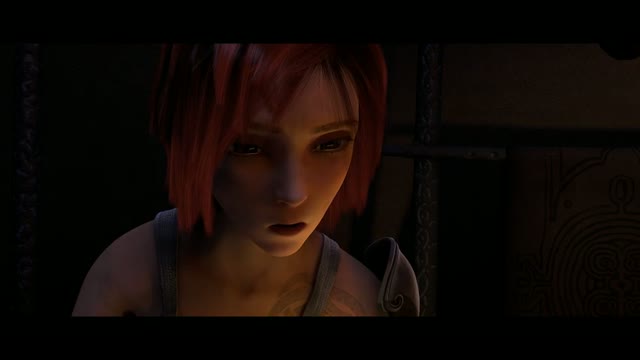
Comic panel ✳ Short film ✳ Music video ✳ Character study ✳ Big idea
LESS PAUSING. MORE CREATING.
Skip the pause–screenshot–repeat routine.
Build a whole reference study in a few steps.
Drop in footage from your device. A performance, a walk cycle, a beautifully lit shot.
Set an interval, pick exact timestamps, or narrow the duration to your favorite scene.
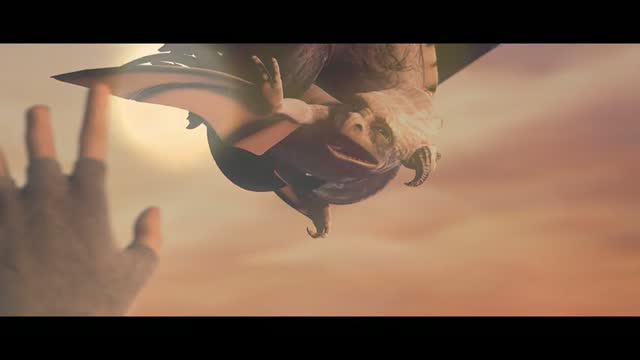
Keep individual images, bring them together in a contact sheet, or download the whole ZIP.
00100:0500200:15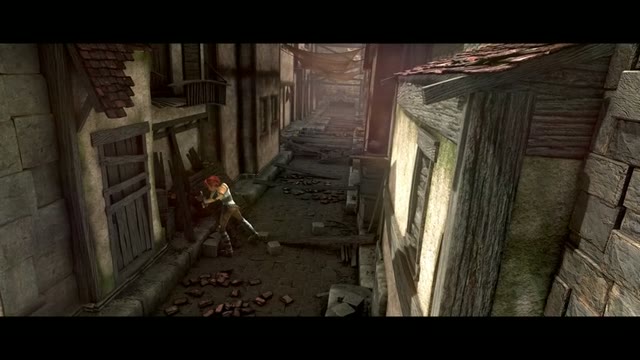 00300:20
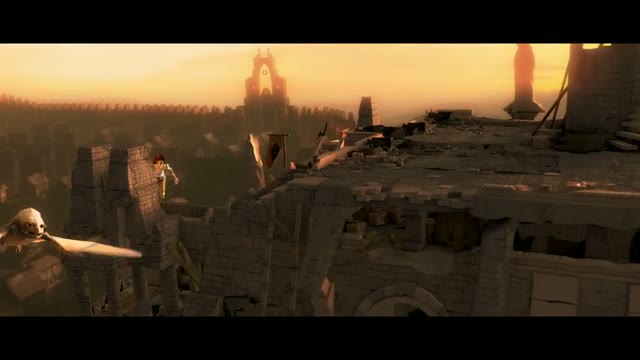 00400:2500500:35
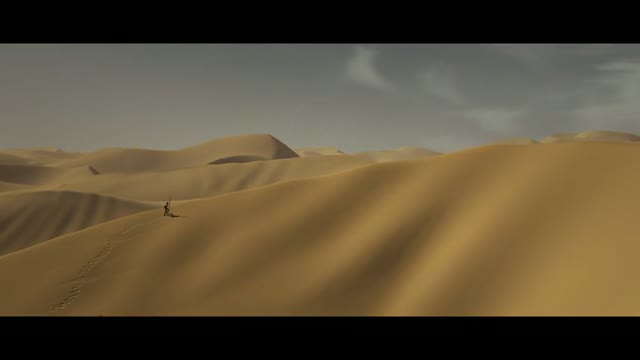 00600:40
SEE THE WHOLE PICTURE
Study the details up close, then zoom out to see the rhythm of a scene. Your references, organized and ready for wherever you create.
YOUR PROCESS IS PERSONAL
Processing happens in your browser. Your video and frames stay on your device. Download your favorites, then clear the workspace when you’re done.
SMALL PRICES. BIG IDEAS.
Buy a little inspiration when you need it.
Keep creating at your own pace.
Free while we’re in preview. Credit purchases are coming soon. For now, enjoy the studio without an account or payment.
Try it freeAt paid launch, every new account starts with 3 free video projects. Full quality, no watermark.
About 20¢ per video project
About 17¢ per video project
About 13¢ per video project
Planned launch pricing in USD. One credit = one video reference project, with all export formats.
No subscription. No automatic top-ups. No charges during preview.
A FEW THINGS WORTH KNOWING
A little clarity, then back to creating.
FrameShot turns video into still-image references. Choose a capture interval or exact timestamps, then download individual screenshots, a contact sheet, or a ZIP containing both. It’s made for visual studies, storyboards, comic reference, filmmaking, and music-video planning.
Yes. Capture every few seconds or enter your own timestamps in seconds, mm:ss, or hh:mm:ss. Set a start and end time to study just one scene. The end time is excluded, and each extraction supports up to 240 frames.
Your video and extracted images stay on your device. Recent generations are saved in this browser’s History, without storing your original video. History is not a cloud backup: download important images. Clear workspace closes the current session; History lets you delete saved generations.
Choose one video up to 1 GB. Browser-compatible MP4 and WebM work best. MOV and other formats depend on the codec and your browser. Large files and high-resolution PNG exports need more device memory; a smaller clip or JPG can help on mobile.
Save individual JPG or PNG frames, one contact-sheet image, or a ZIP with frames, a contact sheet, and a timestamp manifest. Frame output supports up to 3840 × 2160, depending on your source; smaller footage is never upscaled. Contact sheets scale to fit within 4096 × 4096 pixels.
The public preview is free, with no account or card required. When payments launch, we plan to include three free video projects per account, followed by optional one-time credit packs from $1.99. There will be no subscription or automatic top-up. You cannot buy credits yet.
You keep the rights you already have in your footage. Extracting a frame doesn’t grant new rights to someone else’s video. Use footage you own or have permission to use, and respect its license. Our sample is from Sintel by the Blender Foundation under CC BY 3.0; its attribution is included in sample contact sheets and ZIP manifests.
YOUR NEXT IDEA IS IN THERE SOMEWHERE.
Free during preview. Made for the way you see.